
Euro Card support
Euro Card FAQs
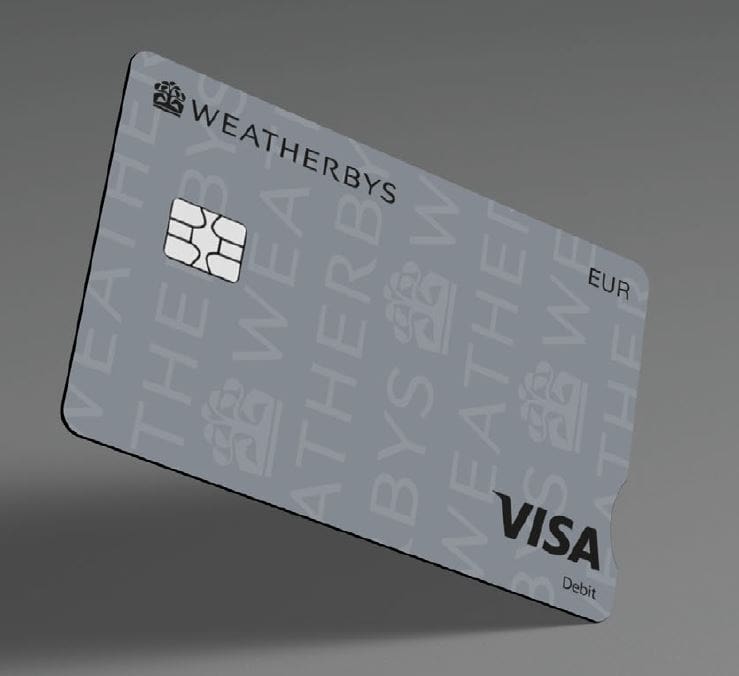
The Weatherbys euro debit card is only available to existing Weatherbys Private Bank clients. Your euro debit card will be linked to your Weatherbys euro currency account and every transaction will be debited from that account.
You can use the Weatherbys Card app to block the card while trying to locate it.
Alternatively, please speak to your private banking team or relationship manager in the first instance. You can also contact the Private Bank on +44 (0) 1933 543 600. We will ensure you receive a replacement card and have access to funds as soon as possible.
No, for security purposes you will need to call your private banking team or relationship manager in the first instance to activate your card. You can also contact the Private Bank on +44 (0) 1933 543 600. If you already have the Weatherbys Card app, you can also activate your card on the app.
Yes, you can make contactless transactions up to a limit of €100. Occasionally you may be asked to enter your PIN as an extra security measure.
Yes, you can use your debit card with both Google Pay and Apple Pay.
Yes, at any ATM machine displaying the VISA logo.
You can use your card in the majority of UK ATMs; however, you will be unable to use an ATM that only displays the ‘LINK’ logo. These are generally located within Post Offices. To find your nearest Visa ATM please use Visa’s ATM locator www.visa.com/atmlocator. Please be aware that some UK based ATMs such as those at airports or in tourist areas may apply their own foreign exchange fees. These should be clearly displayed at the ATM.
You can use your card worldwide where Visa is accepted: online, in-store and at ATMs.
There are no foreign exchange fees for transactions in euros; however, if you use the card for other currencies, Visa will apply a fee. Weatherbys will not charge an FX fee when you withdraw in the card’s native currency (euros). However, some UK based ATMs such as those at airports or in tourist areas may apply their own fees. These should be clearly displayed on the ATM before you proceed.
You daily spend limit is unique to you and is set to cater for your spending needs. To discuss this in further detail, please speak with your private banking team or relationship manager.
If you have downloaded the Weatherbys Card app, click on the image of your card and select ‘Card PIN’. If you haven’t downloaded the Weatherbys Card app, please contact your private banking team or relationship manager. You can also contact the Private Bank on +44 (0) 1933 543 600 or the Racing Bank on +44 (0) 1933 543 543 and we will arrange for one to be sent to you.